Blackmagic Cloud Backup 8 – hard disk dock
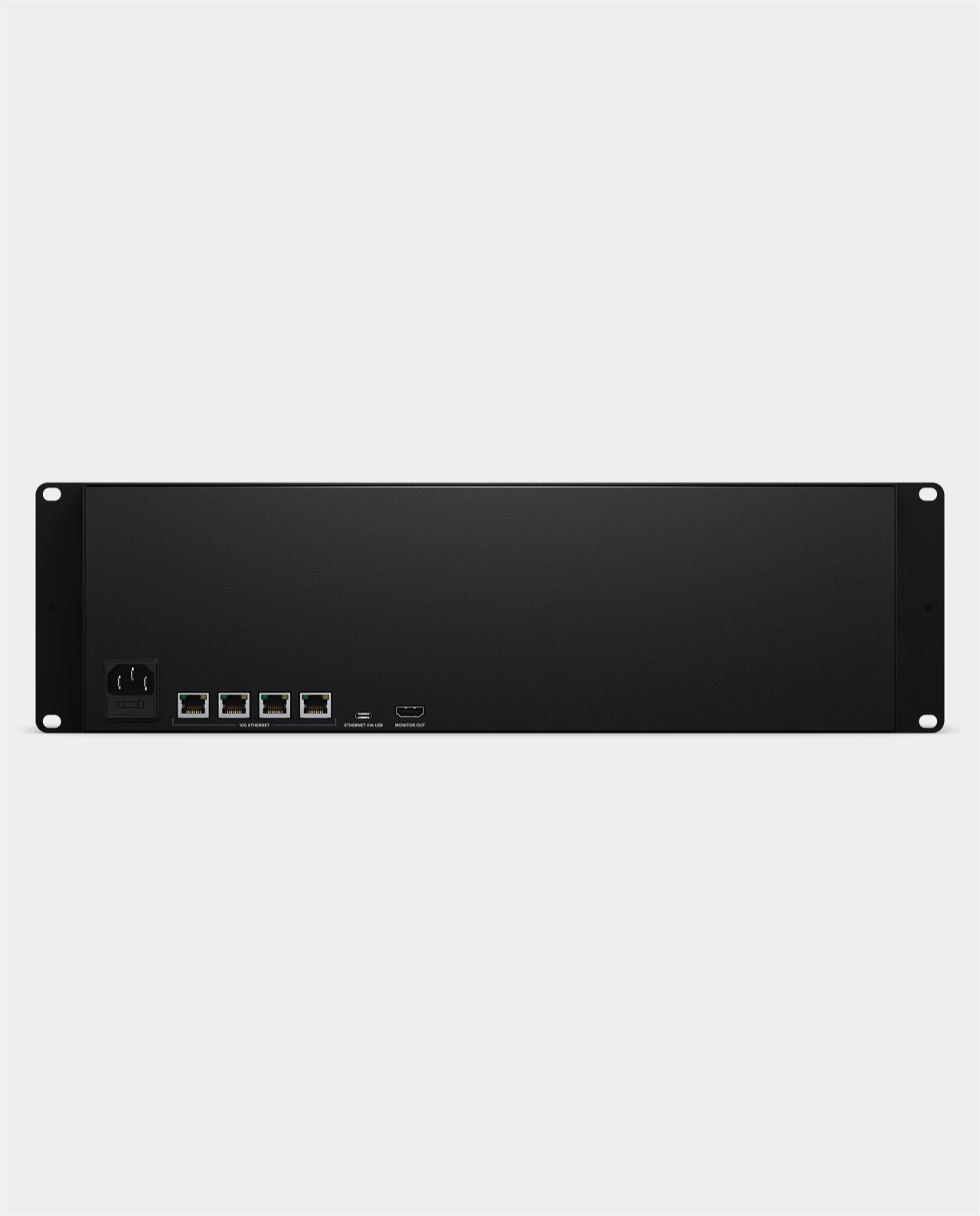
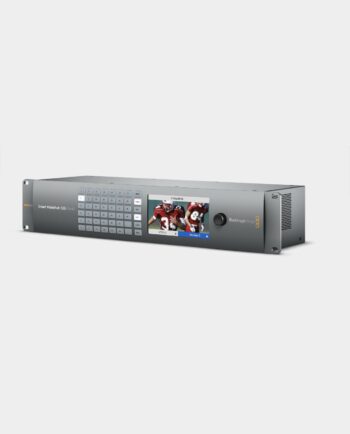
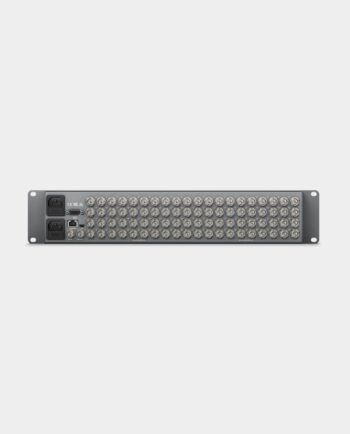
Blackmagic Cloud Backup 8 is a large 8-bay hard disk dock lets you back up large media files to low cost computer hard disks over a 10G Ethernet network. You can also sync files globally using Blackmagic Cloud, plus view all storage, connection and sync activity in real time on a display connected to the HDMI monitor port. Blackmagic Cloud Backup 8 includes 4 x 10G Ethernet for network sharing, an Ethernet over USB-C port and an internal power supply in an elegant rack mount design making it ideal for installing in a studio alongside other network equipment.
Back Up and Share Your Media to Low Cost Hard Disks
The Blackmagic Cloud Backup 8 lets you use inexpensive computer hard drives to backup your media files! It even syncs to Blackmagic Cloud for backing up collaborative projects in DaVinci Resolve. Each hard disk slot is totally independent, so you can mount up to 8 backup disks simultaneously. Then, when full, you can unplug the disks and you can replace them with new, blank ones to increase your archive storage capacity. You also get 4 x 10G Ethernet ports to keep up with the latest fast high capacity hard disks! Hard disks offer the lowest cost per TB of storage and are very fast, making them ideal for archiving older projects. Plus, there’s an HDMI monitor output that shows storage status.
Designed for Film and Television
Blackmagic Cloud Backup 8 is an ideal solution for postproduction workflows where you have completed projects that require fast archiving to low cost storage. It’s great for creating replay archives, as media files can become large when recording multiple ISO channels! You can even use it for education to manage numerous student media projects. Plus there’s a security bar included so you can lock the disks and prevent their removal. Modern hard disks are so fast they can also be used as primary storage, not just for archiving purposes! Additionally, you can archive projects from Blackmagic Cloud, ensuring a live backup that continuously syncs to your project while you edit!
Elegant Rack Mount Design
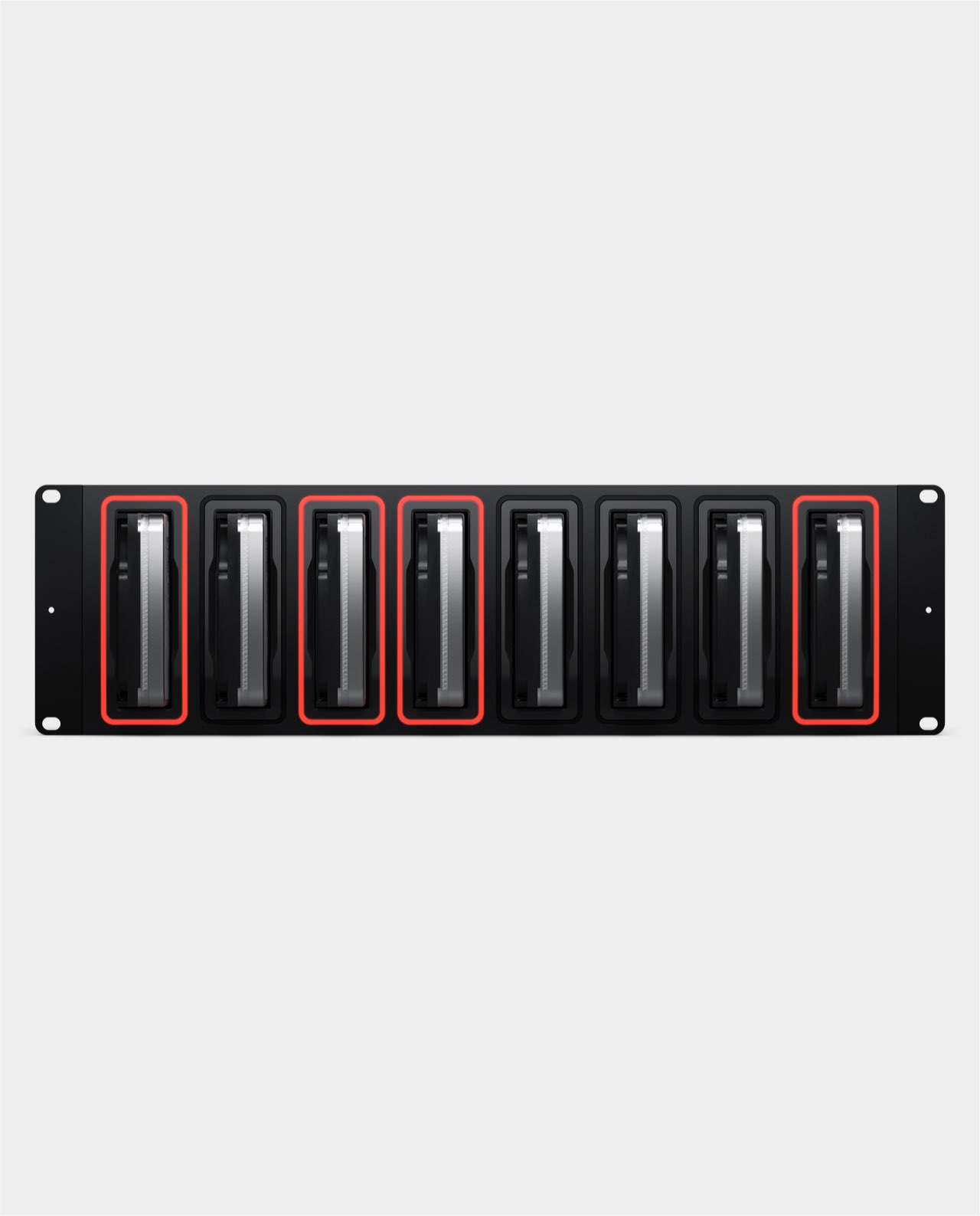
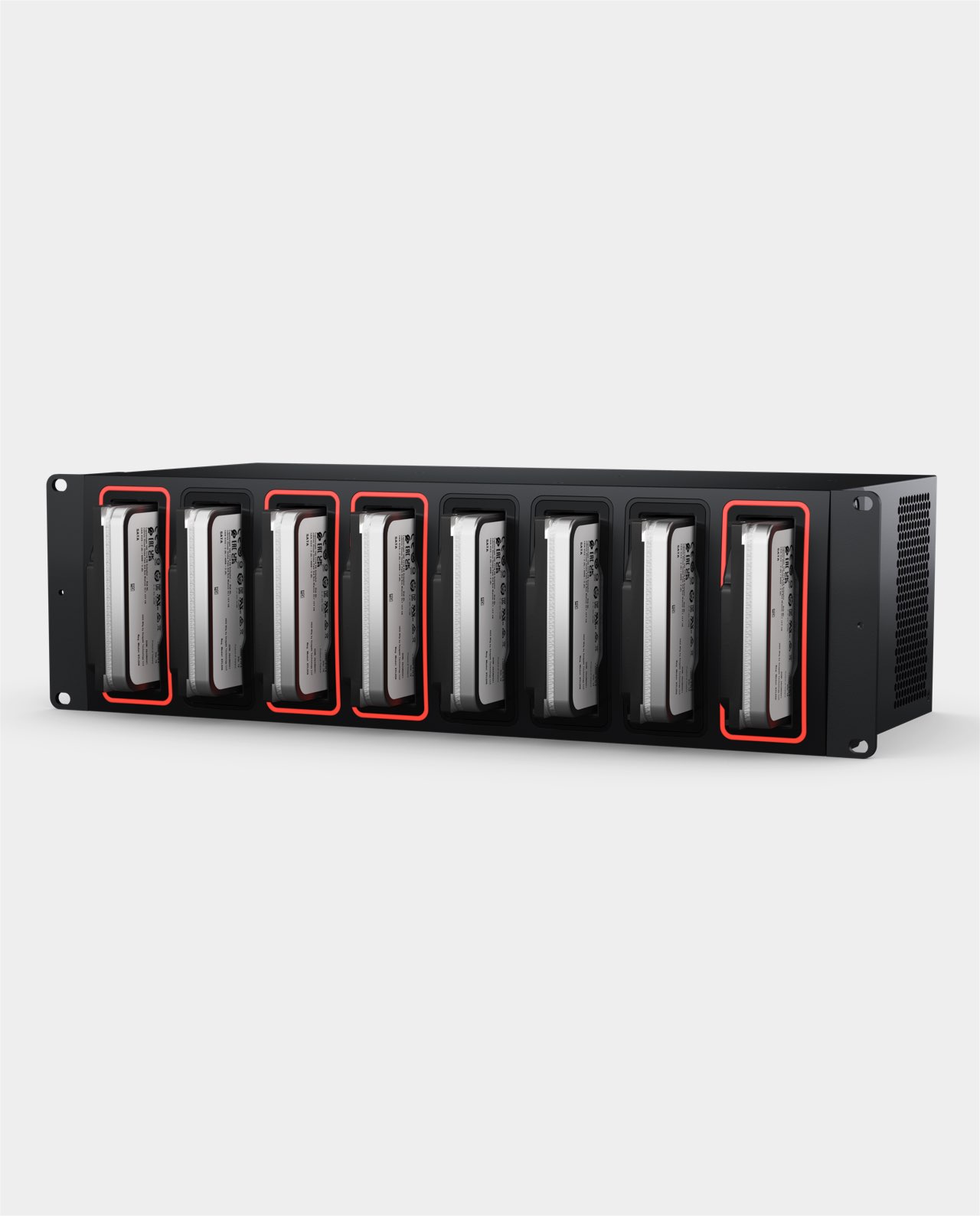
Blackmagic Cloud Backup 8 features a rack mount design, making it an ideal choice for installation in a studio alongside other network equipment or even for camera backups in a DIT cart on set. This ensures you always have a second backup to keep your camera files safe! You get 8 independent hard disk slots, with all disks available simultaneously over the network. Plus, there’s a built-in 4 port 10G Ethernet switch for exceptionally high performance. There’s also an HDMI output to watch a live graphic view of storage operations on a TV or monitor. Each slot is elegantly illuminated with a light ring that shows disk activity, allowing you to know when the disk is being read from or written to.
High Performance 10G Ethernet
The Blackmagic Cloud Backup 8 has up to 4 high speed 10G Ethernet ports, which is generally only found on expensive computers. With 10G Ethernet, you get 10 times the speed of regular Ethernet. Plus, most computers can be upgraded to add 10G Ethernet, so you can take advantage of this speed! The Blackmagic Cloud Backup 8 is so fast, it will run the 10G Ethernet ports to their maximum capacity. Even when connected to an Ethernet network with dozens of users accessing files at the same time. The Ethernet also offers very low latency, ensuring fast access times. That offers similar performance to high end business SANs, but in a low cost design that you can install yourself!
Intelligent Sync to Blackmagic Cloud
Creative teams can now share a single local cache of media synced to Blackmagic Cloud, enabling a truly global workflow! Blackmagic Cloud handles all sync, duplicating media to multiple sites for robust data safety and zero latency access since everyone works from local copies. Blackmagic Cloud will run continuous backups, eliminating manual archiving. Then once a job completes, it remains available on the Blackmagic Cloud Backup 8 disks, freeing up space on your primary fast flash storage. Blackmagic Cloud also handles the DaVinci Resolve proxy workflow, transferring proxies first, then the camera original files. This means you can always re-open a job in minutes!




 Mac 14.0 Sonoma,
 Windows 10, 64-bit.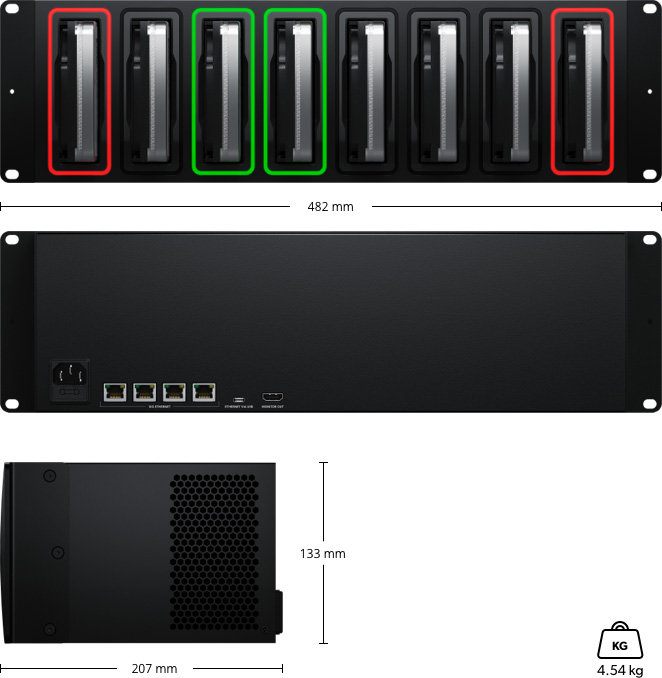





There are no reviews yet.